


Competitive analysis template
Use a competitive analysis template to systematically compare competitors, identify gaps, refine your strategy, and accelerate decision-making.
Sign up to create your own template.
Competitive analysis template
Use a competitive analysis template to systematically compare competitors, identify gaps, refine your strategy, and accelerate decision-making.
Use templateSign up to create your own template.
INTEGRATED FEATURES
Recommended apps



Summary
If you’re starting a new business or looking to grow your company’s market share, a competitive analysis template can help you understand your competition. This guide explains what a competitive analysis template is, reviews the main types, and shows you how to create your own, using real-world examples along the way.
What is a competitive analysis template?
A competitive analysis template is a reusable document, spreadsheet, or project that helps you systematically evaluate your competitors and compare their performance against your own. It organizes key data about your competitive landscape, including both direct and indirect competitors, so you can identify opportunities and make informed strategic decisions.
A typical competitive analysis template covers areas such as:
Pricing and market position: How competitors price their products and where they sit in the market.
Product features: What competitors offer and how those features compare to yours.
Marketing strategies: How competitors reach and engage their audience.
Strengths and weaknesses: Where competitors excel and where gaps exist for your business.
Types of competitive analysis
Competitive analysis can take different forms, depending on your goals and how much detail you need. Here are four popular types of competitive analysis you might use when creating your template.
1. Direct competitive analysis
A direct competitive analysis focuses on companies that offer the same (or very similar) products or services to the same target audience. This is the most common type and helps you compare pricing, features, positioning, and customer experience side by side. For example, if you sell project management software, your direct competitors are other project management tools targeting the same buyers.
2. Indirect competitive analysis
Indirect competitors address the same problem as your product, but use a different approach. For example, a team that manages projects with spreadsheets is an indirect competitor to a company offering a dedicated work management platform. Studying indirect competitors helps you see all the options your customers might consider and can show you ways to stand out.
3. SWOT-based competitive analysis
A SWOT analysis evaluates your business's strengths, weaknesses, opportunities, and threats, as well as your competitors'. SWOT gives you a broader strategic view, helping you identify your advantages and areas for improvement. SWOT analysis works especially well when combined with direct or indirect analysis to provide a more complete picture.
Direct: Focuses on companies with similar products targeting the same audience; best for pricing, feature, and positioning comparisons (e.g., two project management platforms competing for the same buyers).
Indirect: Focuses on companies solving the same problem with a different solution; best for understanding the full range of alternatives customers consider (e.g., spreadsheets vs. dedicated work management tools).
SWOT-based: Focuses on strengths, weaknesses, opportunities, and threats across competitors; best for broader strategic planning and identifying market gaps (e.g., evaluating a competitor’s product strengths alongside their customer service weaknesses).
4. Porter's Five Forces
SWOT isn't the only lens. Porter's Five Forces helps you understand your competitive advantage before entering a market by examining five pressures: the threat of new entrants, industry competition, supplier bargaining power, buyer bargaining power, and the threat of substitutes.
Add a field for each force to your template, or explore more strategic planning frameworks to find the right fit.
Why it's important to use a competitive analysis template
A competitive analysis template gives you a clear and organized way to see what your competitors are doing, so you can make better decisions. It also saves time because you don’t have to start from scratch every time you need this information.
Here's what a competitive analysis template helps you do:
Compare features and pricing: Review what competitors offer and how their pricing compares to yours.
Stay current on industry trends: Spot market shifts before they catch you off guard.
Understand your competition: Identify competitors'strengths and weaknesses so you can position your business more effectively.
Reduce busywork: Reuse the same template for every planning and review cycle instead of starting over.
When to use a competitive analysis template
It’s always smart to stay updated on your industry, but here are some times when using your competitive analysis template is especially helpful:
For strategic planning. Use your template to incorporate competitors' information into your strategy during larger project planning sessions or long-term goal-setting sessions, such as annual planning.
With launches. If a new competitor enters the market or your company is gearing up for a new product launch, a competitive analysis shows you how to position yourself to improve your launch strategy.
When developing a marketing strategy. Backlinks, content marketing, and brand messaging need customer support to be successful. Find out what your customers respond to (and reject) by reviewing your competitors'approach.
To identify your target market. Know who you want in your customer base by looking at your competitors'customers. Your customers may not be the same, but this is also a great way to identify gaps in your competitor's marketing strategy where they may be missing key markets.
To determine if a startup, product, or business idea is viable. Your competitor analysis template can help you see whether you have a unique value proposition compared with what's already on the market.
How to create a competitive analysis template
Your competitive analysis template should include all the sections you need for your analysis process. You can adjust these sections to fit your needs, but here are some ideas to help you get started:
Competitor profile: Include the competitor's company size (number of employees), website, and social media accounts as reference points.
Market research data and metrics: Include numbers such as revenue, pricing, and current market position.
Competitors'product features: This can be a specific feature you want to compare with one of your company's products, or a full list of features if you're doing a broader analysis of the whole company.
Competitors'product marketing: Include social media engagement and notable product launches.
SWOT analysis results: Run a SWOT analysis to determine the strengths, weaknesses, opportunities, and threats of your competitors.
For each section, make sure to include space for both your competitors' information and your own. Comparing them side by side helps you see where you’re doing well and where you can improve. Including both gives you the most value from your analysis.
Where to find competitor research data
Start with the U.S. Small Business Administration's recommendations. Its competitive analysis guidance says to identify competitors by product line or service and market segment, then review their market share, strengths and weaknesses, barriers to entry, and any indirect or secondary competitors. To fill in those fields, look at competitors' websites, pricing pages, product copy, social media, press releases, and customer reviews.
Key components to include in your template
In addition to the sections above, here are a few more components that can make your analysis even more useful:
Competitor tiering: Categorize competitors into primary, secondary, and emerging tiers to prioritize where to focus.
Pricing comparison: Map out competitors'pricing models, plans, and free offerings to see how your pricing stacks up.
Customer sentiment: Track customer reviews, ratings, and common complaints to identify gaps in competitors'offerings.
Visual positioning map: Plot competitors on a simple matrix using two key factors (for example, price vs. feature depth) for a quick visual comparison.
How to build a competitor comparison chart
A competitive analysis chart turns your research into a quick visual. Pick the two factors that matter most for winning in your market (for example, customer satisfaction and market presence) and use them as the X and Y axes.
Plot each competitor, then plot your own business. For a grid view, list competitors as rows and your template fields (pricing, features, positioning) as columns, then score each one with a custom field so you can sort and compare.
How to use the competitor research template
Add your competitors. Create one task per competitor, then group them into tiers (primary, secondary, emerging).
Set up your comparison fields. Use custom fields for pricing, market position, and threat level so every competitor is scored the same way.
Assign research owners. Give each competitor an owner and a due date so research doesn't stall.
Attach your sources. Add links, screenshots, and files to each task so findings stay in one place.
Review findings and act. Use reporting to compare competitors side by side, then turn gaps into follow-up tasks for your team.
Integrated features
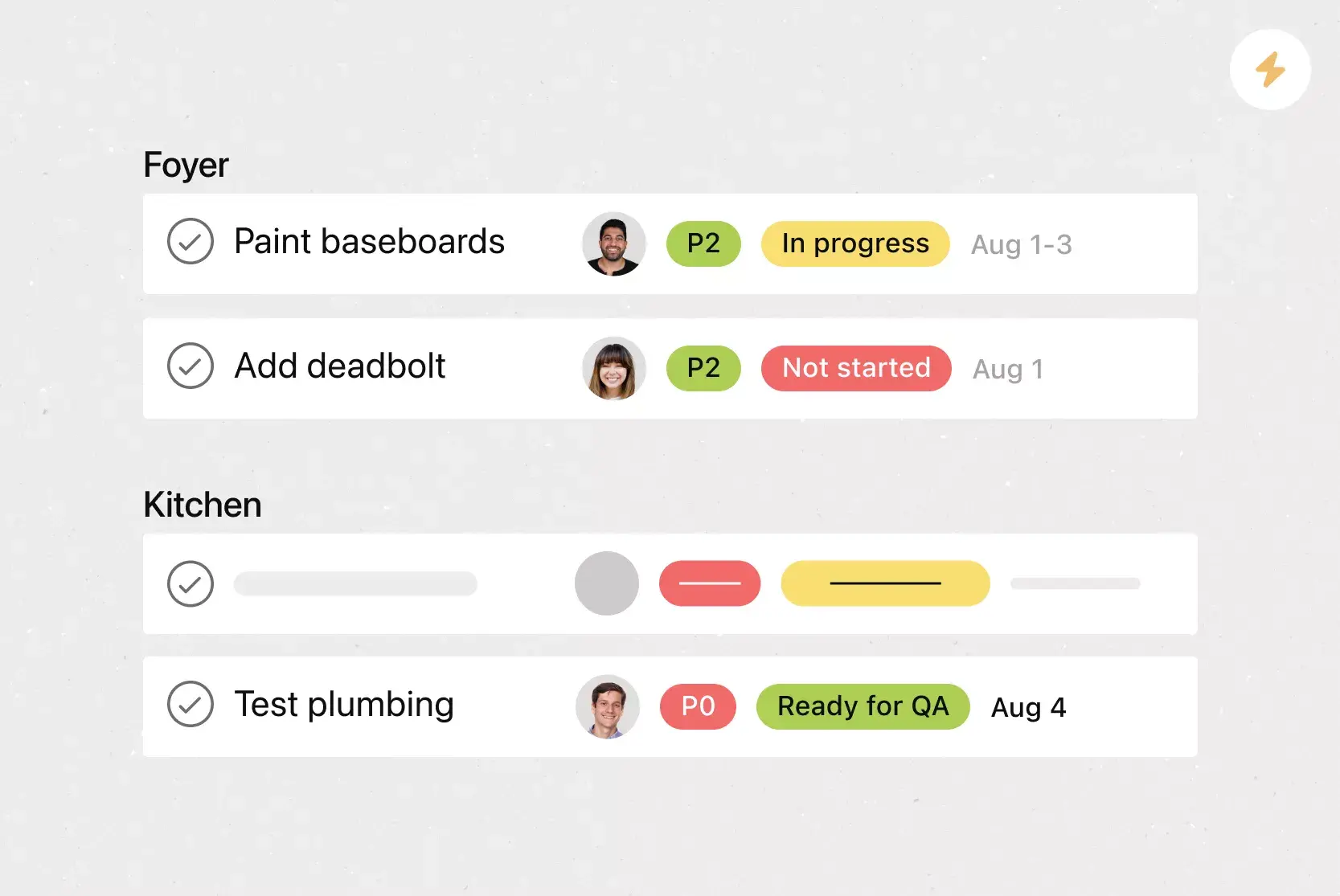
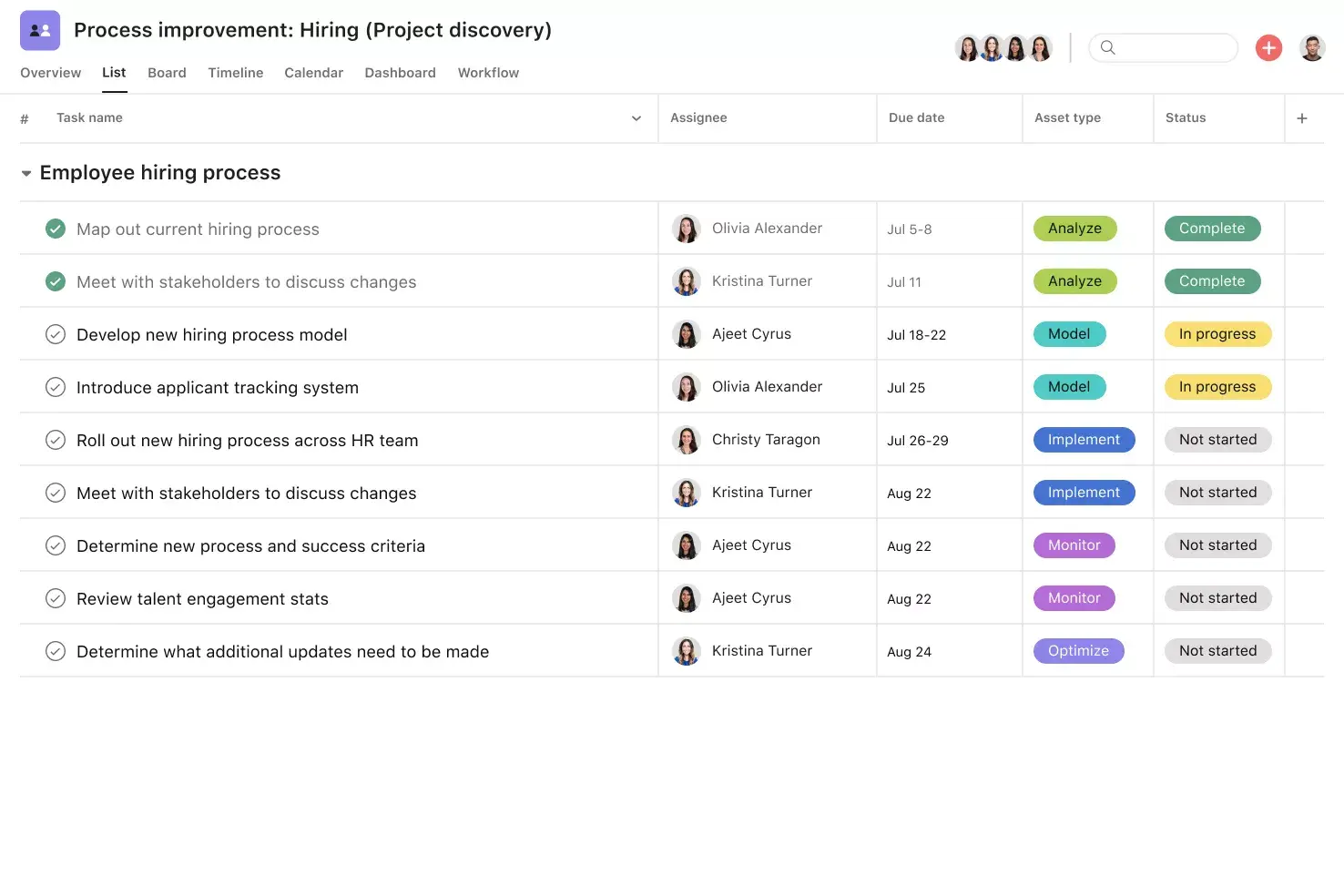
List View. List View is a grid-style view that lets you see all your project's information at a glance. Like a to-do list or spreadsheet, List View shows all your tasks at once, including task titles, due dates, and any relevant custom fields, such as Priority, Status, and more. Unlock effortless collaboration by giving your entire team visibility into who's doing what by when.
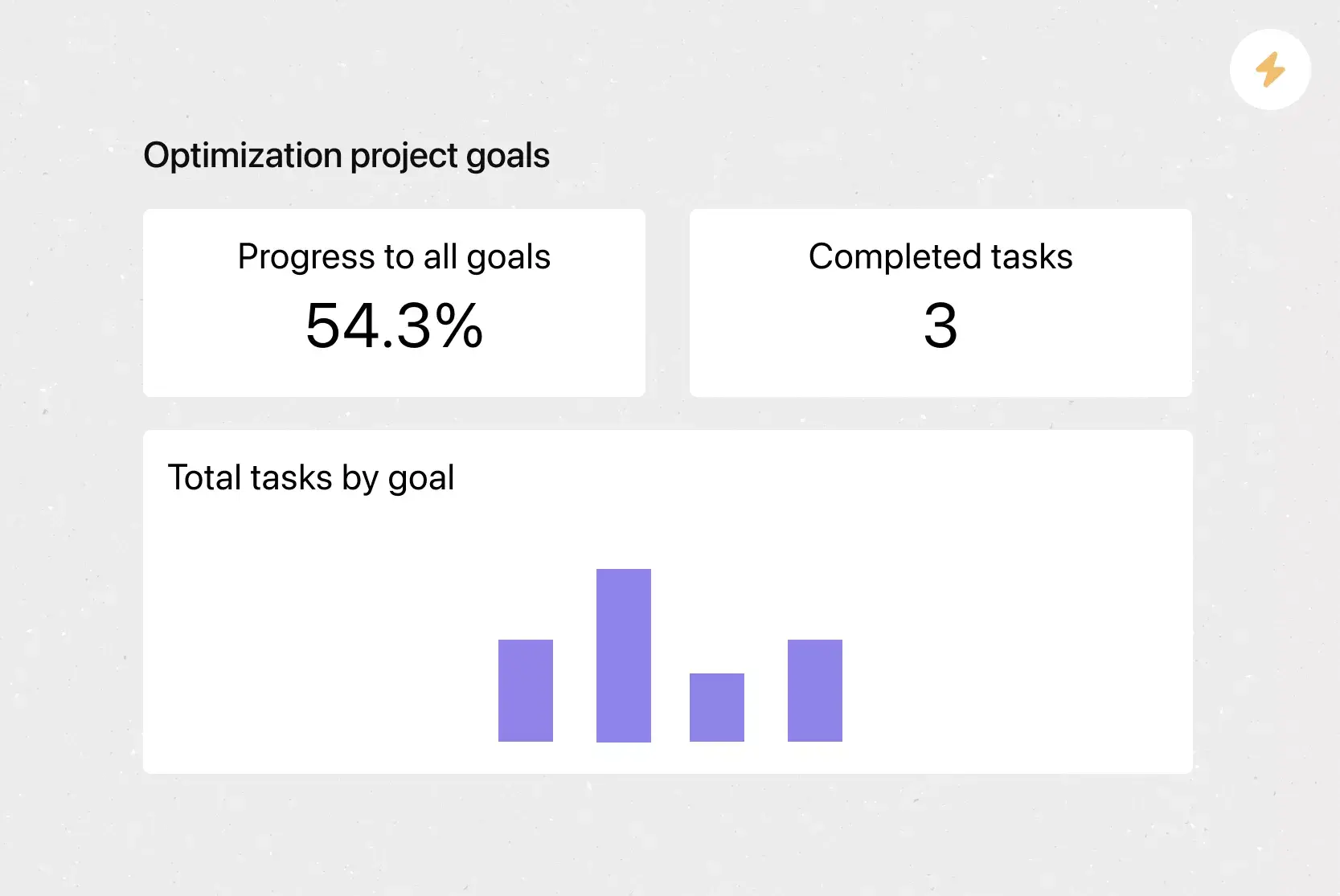
Reporting. Asana reporting turns project data into visual charts and digestible graphs. And because all of your team's work is already in Asana, you can pull data from any project or team to get an accurate picture of what's happening in one place.
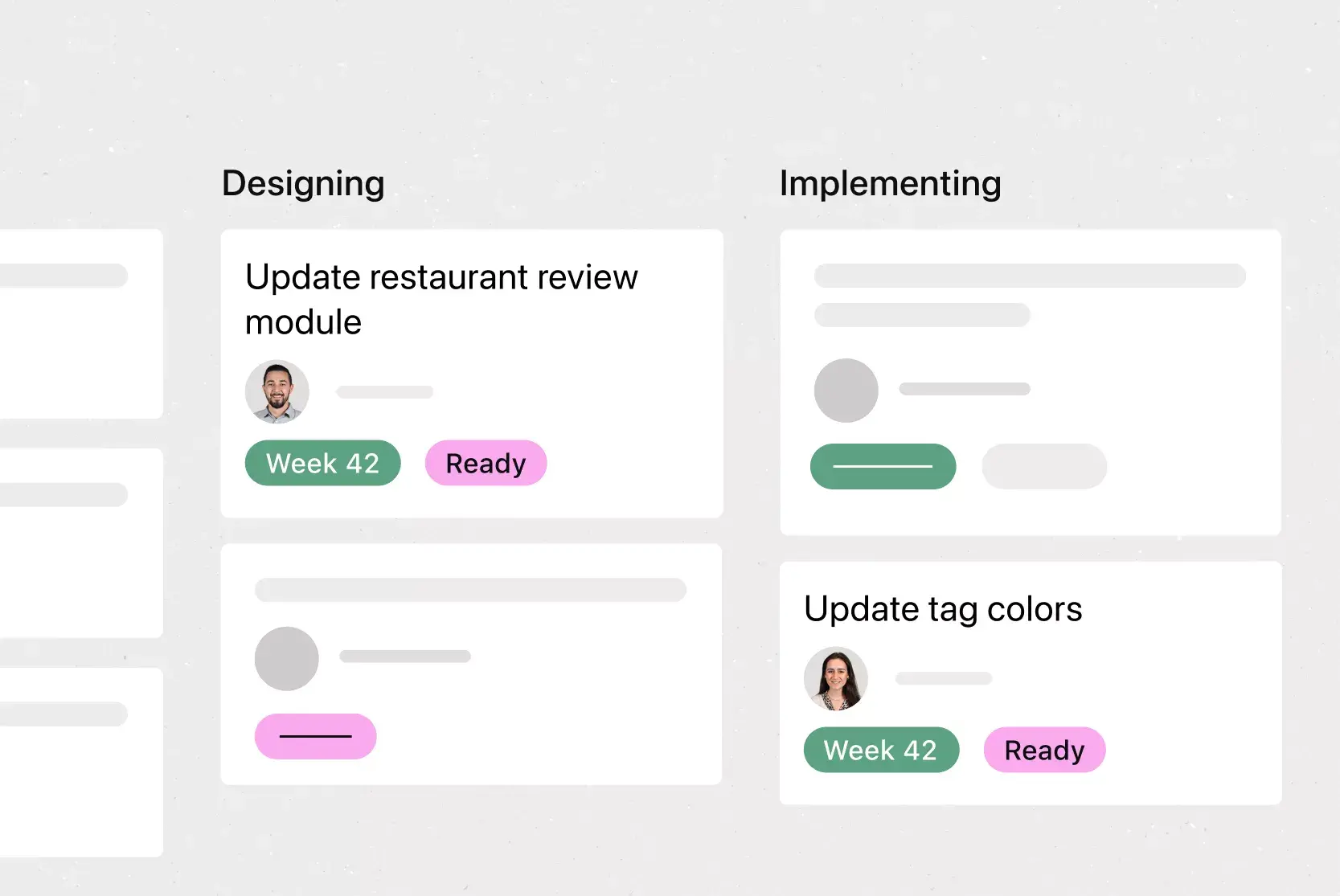
Board View. Board View is a Kanban board-style view that displays your project's information in columns. Columns are typically organized by work status (like To Do, Doing, and Done), but you can adjust column titles depending on your project needs. Each column contains tasks as cards with associated information, including the task title, due date, and custom fields. Track work as it moves through stages and get an at-a-glance insight into where your project stands.
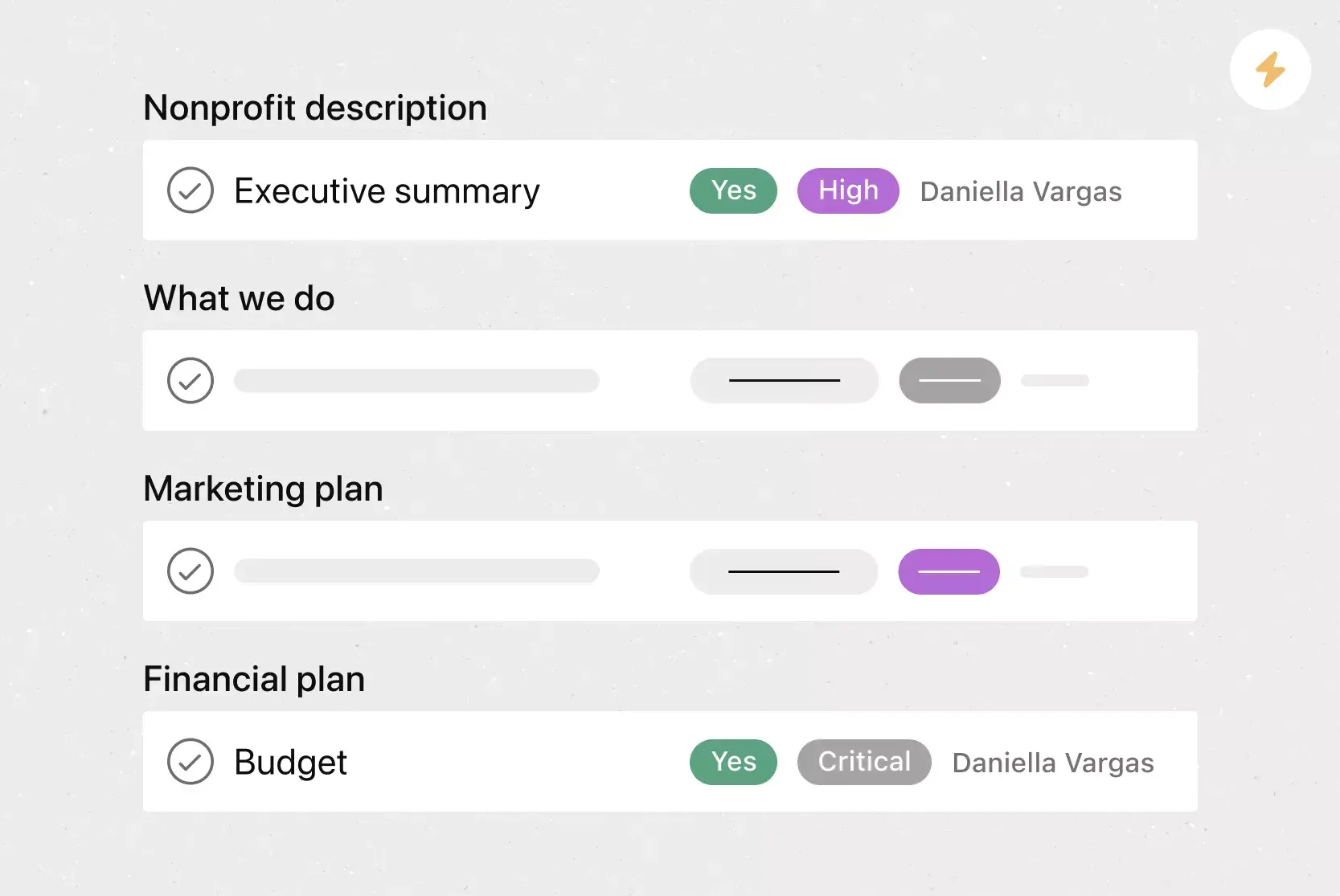
Custom fields. Custom fields are the best way to tag, sort, and filter work. Create custom fields for any information you need to track, from priority and status to email addresses and phone numbers. Use custom fields to sort and schedule your to-dos so you know what to work on first. Plus, share custom fields across tasks and projects to keep your organization consistent.
Recommended apps
HubSpot. Create Asana tasks automatically using HubSpot Workflows. With HubSpot Workflows, you can use all the customer data in HubSpot CRM to create automated processes. This integration lets you hand off work between teams, for example, when deals or tickets close in HubSpot.
Dropbox. Attach files directly to tasks in Asana using the Dropbox file chooser, built into the Asana task pane.
Salesforce. Remove bottlenecks by enabling sales, customer success, and service teams to communicate directly with their support teams in Asana. Share attachments and create actionable, trackable tasks for pre-sales needs. With Service Cloud, connect your implementation and service teams with supporting teams in Asana to deliver amazing customer experiences.
Google Workspace. Attach files directly to tasks in Asana using the Google Workspace file picker, built into the Asana task pane. Attach any My Drive file in just a few clicks.
Real-world competitive analysis examples
Seeing how other teams use competitive analysis templates can help you decide how to structure your own. Here are a few practical competitive analysis examples across different industries.
Coffee shop entering a new market: A local coffee chain opening a new location could compare nearby competitors on drink prices, menu variety, peak hours, and customer reviews to find a unique positioning opportunity.
Software company evaluating a product launch: A tech company preparing to release a new feature could compare competing products by features, user experience, and pricing tiers to identify advantages and gaps before launch.
Marketing team refining a campaign strategy: A retail brand's marketing team could track competitors' social media engagement, content topics, and advertising spend to fine-tune their own campaigns.
Get started with your competitive analysis
With Asana, you can create a competitive analysis template your team can reuse for every planning cycle, product launch, or strategy review. Custom fields, multiple project views, and built-in reporting make it easy to organize competitor data and keep everyone aligned.
AI Teammates in Asana can help too. For example, an Insights Analyst can condense research updates into briefs that show impact, risks, and next steps. Every AI Teammate uses scoped permissions and an audit trail, and your team approves key decisions.
Get started and turn competitive insights into action.
Use a competitive analysis templateFAQs about competitive analysis templates
A market analysis template covers everything that affects your business across the full market landscape, while a competitive analysis template focuses specifically on how you compare to competitors. Think of your competitive analysis as a subset of your broader market analysis.
Create a competitor analysis template with sections for every aspect of your competitive research, including a competitor overview, market research data and metrics, product features, marketing, and a SWOT analysis.
To run a competitive analysis with your template, research and fill in the blanks on the following: the market research numbers for product features, product marketing, SWOT analyses, and pricing. This helps you create a full comparison of your business and your competitors.
The 4 P's are product, price, place, and promotion. These four factors help you evaluate how a competitor brings their offering to market. By comparing each P across your competitors, you can identify where your business has an advantage and where you may need to adjust your strategy.
It depends on how fast your industry moves, but a good rule of thumb is to update your competitive analysis at least once or twice a year. You should also revisit it whenever a major event occurs, such as a new competitor entering the market, a significant product launch, or a shift in pricing across your industry.
A competitor research template should include a competitor profile, pricing and market position, product features, marketing and messaging, customer sentiment, and a SWOT analysis. Add space for your own business next to each competitor for side-by-side comparison, and tier competitors so your team knows where to focus first.
Start by listing direct and indirect competitors. Then compare their products, pricing, and marketing, collect customer feedback from reviews, and run a SWOT analysis. Finally, plot competitors on a positioning chart to see where you stand. Record everything in one template so your team can update it whenever the market shifts.
Related templates





Create templates with Asana
Learn how to create a customizable template in Asana. Get started today.